Plans for every kind of business
Buy now and get Live Assisted Bookkeeping FREE for 30 days*
1
Select plan
2
Add Payroll
3
Checkout
Simple Start
$30
$15/mo
Save 50% for 3 months*
Assisted Bookkeeping
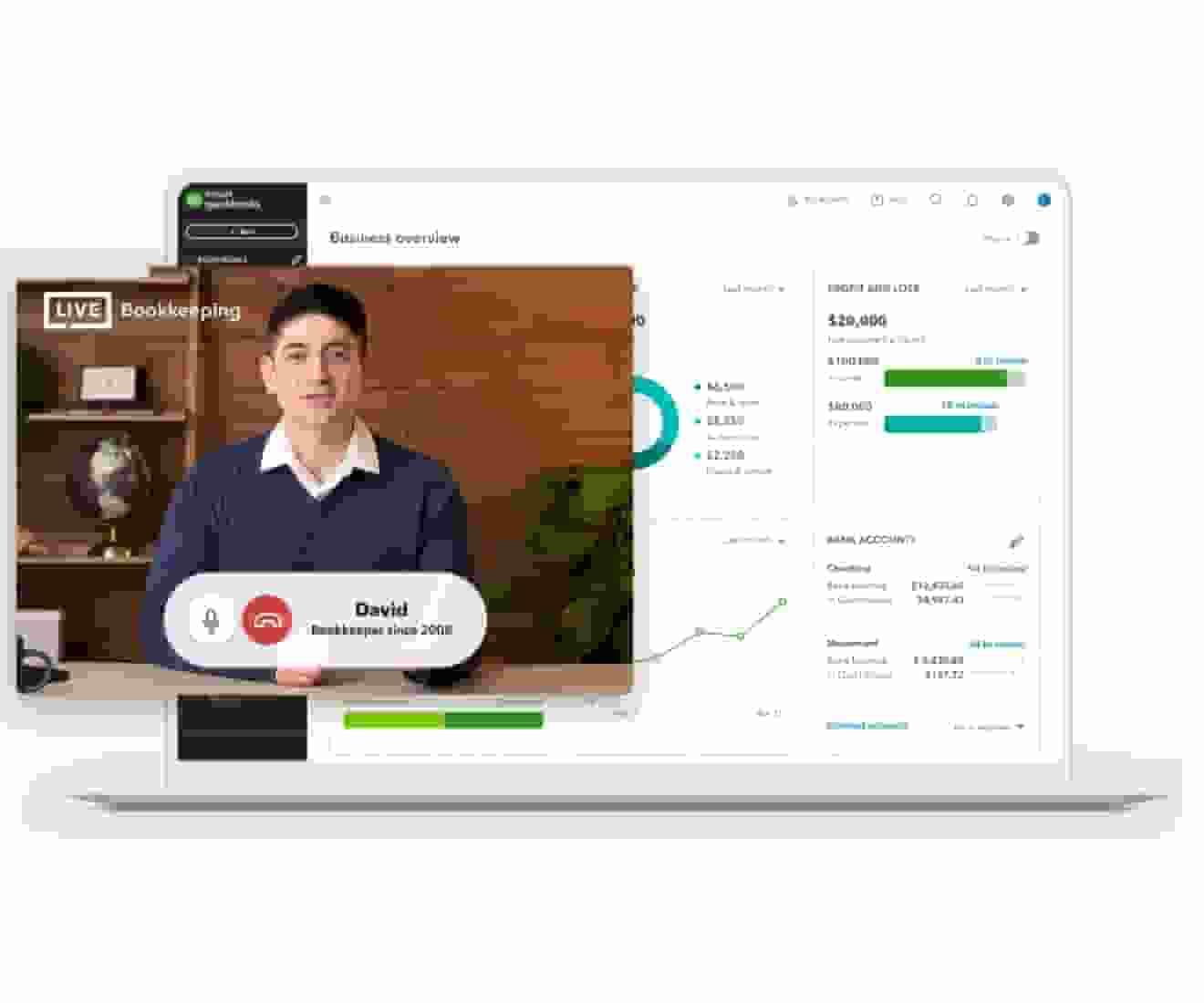
Connect with Live experts when you need it. They can provide setup help and bookkeeping guidance in QuickBooks, so you can stay organized and run your business with confidence. Free for 30 days.
Try expert help FREE for 30 days*
Access expert tax help
Save time and effort by seamlessly moving from books to taxes, then prepare your current tax year return with unlimited expert help to get every credit you deserve. Access live tax experts powered by TurboTax and pay only when you file. Costs vary by entity type. Subject to eligibility.
NEW
with QuickBooks Live Tax
Income and expenses
Securely import transactions and organize your finances automatically.
Banking with 5.00% APY
Every dollar put away in savings envelopes earns you interest at over 70x the U.S. average.
NEW
Bookkeeping automation
Automate bookkeeping to cut down on tedious tasks and get more time to focus on your business.
NEW
Invoice and payments
Accept credit cards and bank transfers in the invoice with QuickBooks Payments, get status updates and reminders.**
Tax deductions
Share your books with your accountant or export important documents.**
General reports
Run and export reports including profit & loss, expenses, and balance sheets.*
Receipt capture
Snap photos of your receipts and categorize them on the go.**
Mileage tracking
Automatically track miles, categorize trips, and get sharable reports.**
Cash flow
Get paid online or in person, deposited instantly, if eligible.
Sales and sales tax
Accept credit cards anywhere, connect to e-commerce tools, and calculate taxes automatically.**
Estimates
Customize estimates, accept mobile signatures, see estimate status, and convert estimates into invoices.**
Contractors
Assign vendor payments to 1099 categories, see payment history, prepare and file 1099s from QuickBooks.**
Connect 1 sales channel
Connect 1 online sales channel and automatically sync with QuickBooks.
Bill management
Organize and track your business bills online.
Essentials
$60
$30/mo
Save 50% for 3 months*
Assisted Bookkeeping
Connect with Live experts when you need it. They can provide setup help and bookkeeping guidance in QuickBooks, so you can stay organized and run your business with confidence. Free for 30 days.
Try expert help FREE for 30 days*
Access expert tax help
Save time and effort by seamlessly moving from books to taxes, then prepare your current tax year return with unlimited expert help to get every credit you deserve. Access live tax experts powered by TurboTax and pay only when you file. Costs vary by entity type. Subject to eligibility.
NEW
with QuickBooks Live Tax
Income and expenses
Securely import transactions and organize your finances automatically.
Banking with 5.00% APY
Every dollar put away in savings envelopes earns you interest at over 70x the U.S. average.
NEW
Bookkeeping automation
Automate bookkeeping to cut down on tedious tasks and get more time to focus on your business.
NEW
Invoice and payments
Accept credit cards and bank transfers in the invoice with QuickBooks Payments, get status updates and reminders.**
Tax deductions
Share your books with your accountant or export important documents.**
Enhanced reports
Know how your business is doing with sales, accounts receivable, and accounts payable reports.*
Receipt capture
Snap photos of your receipts and categorize them on the go.**
Mileage tracking
Automatically track miles, categorize trips, and get sharable reports.**
Cash flow
Get paid online or in person, deposited instantly, if eligible.
Sales and sales tax
Accept credit cards anywhere, connect to e-commerce tools, and calculate taxes automatically.**
Estimates
Customize estimates, accept mobile signatures, see estimate status, and convert estimates into invoices.**
Contractors
Assign vendor payments to 1099 categories, see payment history, prepare and file 1099s from QuickBooks.**
Connect 3 sales channels
Connect up to 3 online sales channels and automatically sync with QuickBooks.
Bill management
Organize and track your business bills online.
Multiple currencies
Record transactions in other currencies without worrying about exchange rate conversions.
Includes 3 users
Invite your accountant to access your books, control user-access levels, and share reports without sharing a log-in.**
Enter time
Enter employee time by client/project and automatically add it to invoices.
Plus
$90
$45/mo
Save 50% for 3 months*
Assisted Bookkeeping
Connect with Live experts when you need it. They can provide setup help and bookkeeping guidance in QuickBooks, so you can stay organized and run your business with confidence. Free for 30 days.
Try expert help FREE for 30 days*
Access expert tax help
Save time and effort by seamlessly moving from books to taxes, then prepare your current tax year return with unlimited expert help to get every credit you deserve. Access live tax experts powered by TurboTax and pay only when you file. Costs vary by entity type. Subject to eligibility.
NEW
with QuickBooks Live Tax
Income and expenses
Securely import transactions and organize your finances automatically.
Banking with 5.00% APY
Every dollar put away in savings envelopes earns you interest at over 70x the U.S. average.
NEW
Bookkeeping automation
Automate bookkeeping to cut down on tedious tasks and get more time to focus on your business.
NEW
Invoice and payments
Accept credit cards and bank transfers in the invoice with QuickBooks Payments, get status updates and reminders.**
Tax deductions
Share your books with your accountant or export important documents.**
Comprehensive reports
Stay on track with inventory reports, enhanced sales reports, and profitability reports.*
Receipt capture
Snap photos of your receipts and categorize them on the go.**
Mileage tracking
Automatically track miles, categorize trips, and get sharable reports.**
Cash flow
Get paid online or in person, deposited instantly, if eligible.
Sales and sales tax
Accept credit cards anywhere, connect to e-commerce tools, and calculate taxes automatically.**
Estimates
Customize estimates, accept mobile signatures, see estimate status, and convert estimates into invoices.**
Contractors
Assign vendor payments to 1099 categories, see payment history, prepare and file 1099s from QuickBooks.**
Connect all sales channels
Connect any available online sales channels and automatically sync with QuickBooks.
Bill management
Organize and track your business bills online.
Multiple currencies
Record transactions in other currencies without worrying about exchange rate conversions.
Includes 5 users
Invite your accountant to access your books, control user-access levels, and share reports without sharing a log-in.**
Enter time
Enter employee time by client/project and automatically add it to invoices.
Inventory
Track products, cost of goods, see what’s popular, create purchase orders, and manage vendors.
Project profitability
Track all your projects in one place, track labor costs, payroll and expenses.
Financial planning
Create budgets with real-time data you can collaborate with your team on.
NEW
Advanced
$200
$100/mo
Save 50% for 3 months*
Assisted Bookkeeping
Connect with Live experts when you need it. They can provide setup help and bookkeeping guidance in QuickBooks, so you can stay organized and run your business with confidence. Free for 30 days.
Try expert help FREE for 30 days*
Access expert tax help
Save time and effort by seamlessly moving from books to taxes, then prepare your current tax year return with unlimited expert help to get every credit you deserve. Access live tax experts powered by TurboTax and pay only when you file. Costs vary by entity type. Subject to eligibility.
NEW
with QuickBooks Live Tax
Income and expenses
Securely import transactions and organize your finances automatically.
Banking with 5.00% APY
Every dollar put away in savings envelopes earns you interest at over 70x the U.S. average.
NEW
Bookkeeping automation
Automate bookkeeping to cut down on tedious tasks and get more time to focus on your business.
NEW
Invoice and payments
Accept credit cards and bank transfers in the invoice with QuickBooks Payments, get status updates and reminders.**
Tax deductions
Share your books with your accountant or export important documents.**
Powerful reports
Monitor financial metrics and build customized dashboards that measure performance.
Receipt capture
Snap photos of your receipts and categorize them on the go.**
Mileage tracking
Automatically track miles, categorize trips, and get sharable reports.**
Cash flow
Get paid online or in person, deposited instantly, if eligible.
Sales and sales tax
Accept credit cards anywhere, connect to e-commerce tools, and calculate taxes automatically.**
Estimates
Customize estimates, accept mobile signatures, see estimate status, and convert estimates into invoices.**
Contractors
Assign vendor payments to 1099 categories, see payment history, prepare and file 1099s from QuickBooks.**
Connect all sales channels
Connect any available online sales channels and automatically sync with QuickBooks.
Bill management
Organize and track your business bills online.
Multiple currencies
Record transactions in other currencies without worrying about exchange rate conversions.
Includes 25 users
Invite your accountant to access your books, control user-access levels, and share reports without sharing a log-in.**
Enter time
Enter employee time by client/project and automatically add it to invoices.
Inventory
Track products, cost of goods, see what’s popular, create purchase orders, and manage vendors.
Project profitability
Track all your projects in one place, track labor costs, payroll and expenses.
Financial planning
Create budgets with real-time data you can collaborate with your team on.
NEW
Auto-track fixed assets
Automatically track fixed asset values, access all fixed asset info in one spot, and get insights about what may come next.
NEW
Data sync with Excel
Seamlessly send data back and forth between QuickBooks Online Advanced and Excel for more accurate business data and custom insights.
Employee expenses
Employees submit expenses in QuickBooks, so everything’s in one place and easy to track.
Batch invoices and expenses
Create invoices, enter, edit, and send multiple invoices faster.**
Custom access controls
Easily control who sees your data, assign work to specific users, and create custom permissions.
Workflow automation
Save time and mitigate risk with automated workflows and set reminders for improved cash flows and more.
Data restoration
Continuously and automatically back up your changes, restore a specific version of your company, and view version history.**
24/7 support & training
QuickBooks Priority Circle support and access to special training resources.
Revenue recognition
Stay consistent, compliant, and credible with automated revenue recognition.

 NEW
NEW
You’re never alone with a Live expert in your corner
- Get set up by connecting accounts
- Automate tasks to save you time
- Discover features that work for your business
- Categorize and reconcile transactions correctly
- Build and review reports to make smart decisions
Call 1-800-816-4611 to get 50% off Live Assisted Bookkeeping for 3 months.*
All plans include

Mobile app
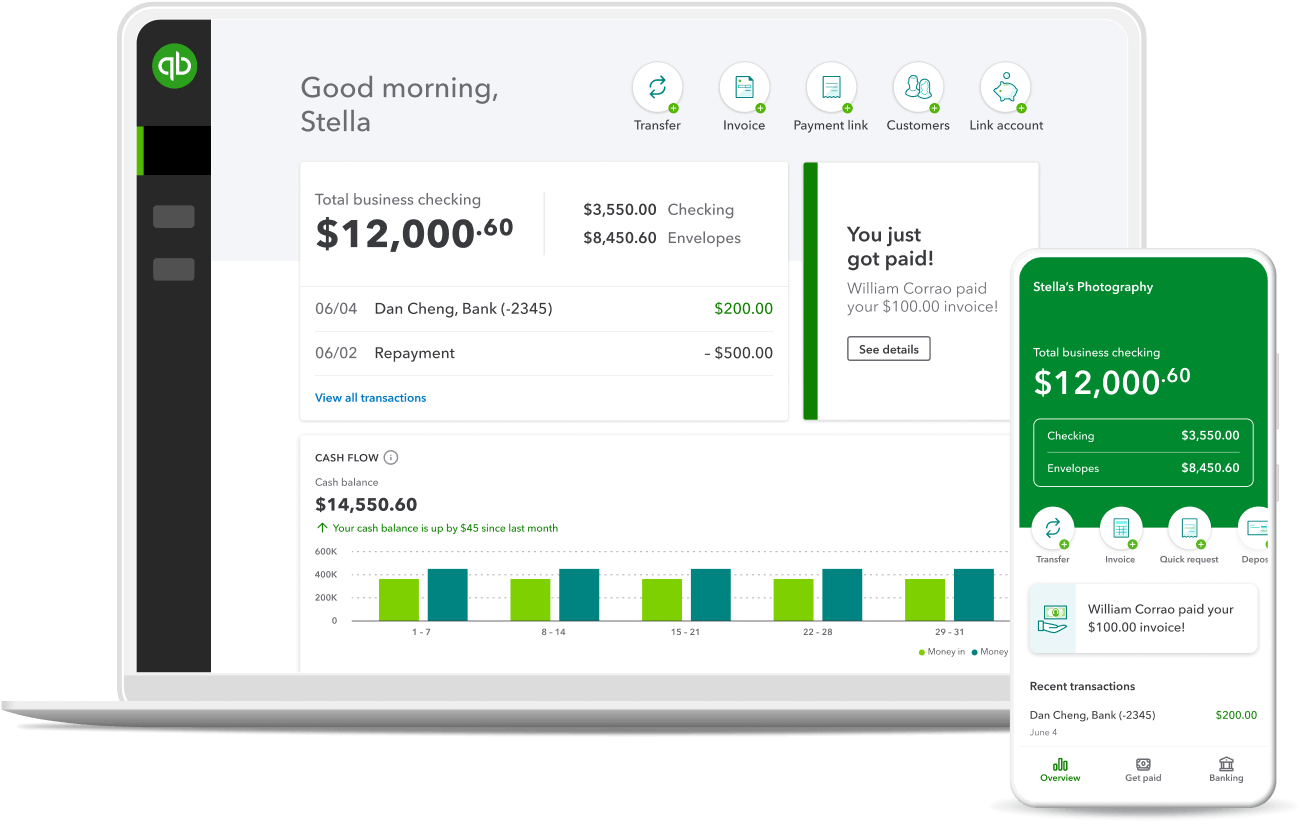
QuickBooks comes with a mobile app that help you run your business on the go—anytime, anywhere.

Free expert assistance
Now available with QuickBooks plans: a FREE 30-day Live Assisted Bookkeeping trial.

App integration
Use the apps you know and love to keep your business running smoothly.
See QuickBooks in action
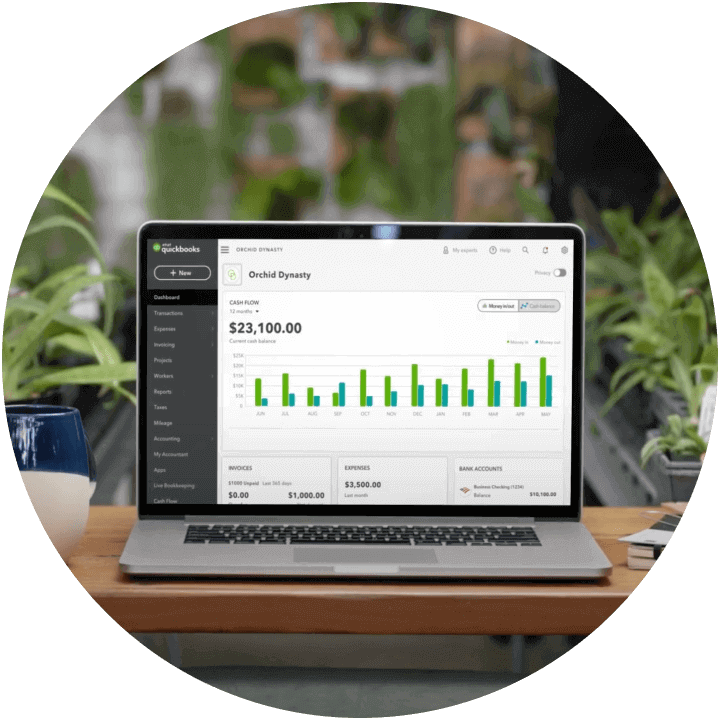
Try QuickBooks for free with our test drive. You don’t even need a credit card.
We cover all kinds of businesses


Currently using QuickBooks?
Make the switch to QuickBooks Online from QuickBooks Desktop Pro, Premier, or Enterprise.


Looking to purchase QuickBooks Online for more than one company? Call (800) 595-4219 for a multi-company discount. Buy two or more QuickBooks Online subscriptions and get 50% off for 12 months*
Frequently asked questions
Call Sales: 1-800-285-4854




